RISCI
This report provides a risk score and highlights key ratios for supervised depository institutions. It enables quick identification of banks with emerging risks, aiding new examiners and other state agency staff in understanding risk profiles.
Supervisory Function
Monitoring
Audience
Exam Management
Industry
Bank
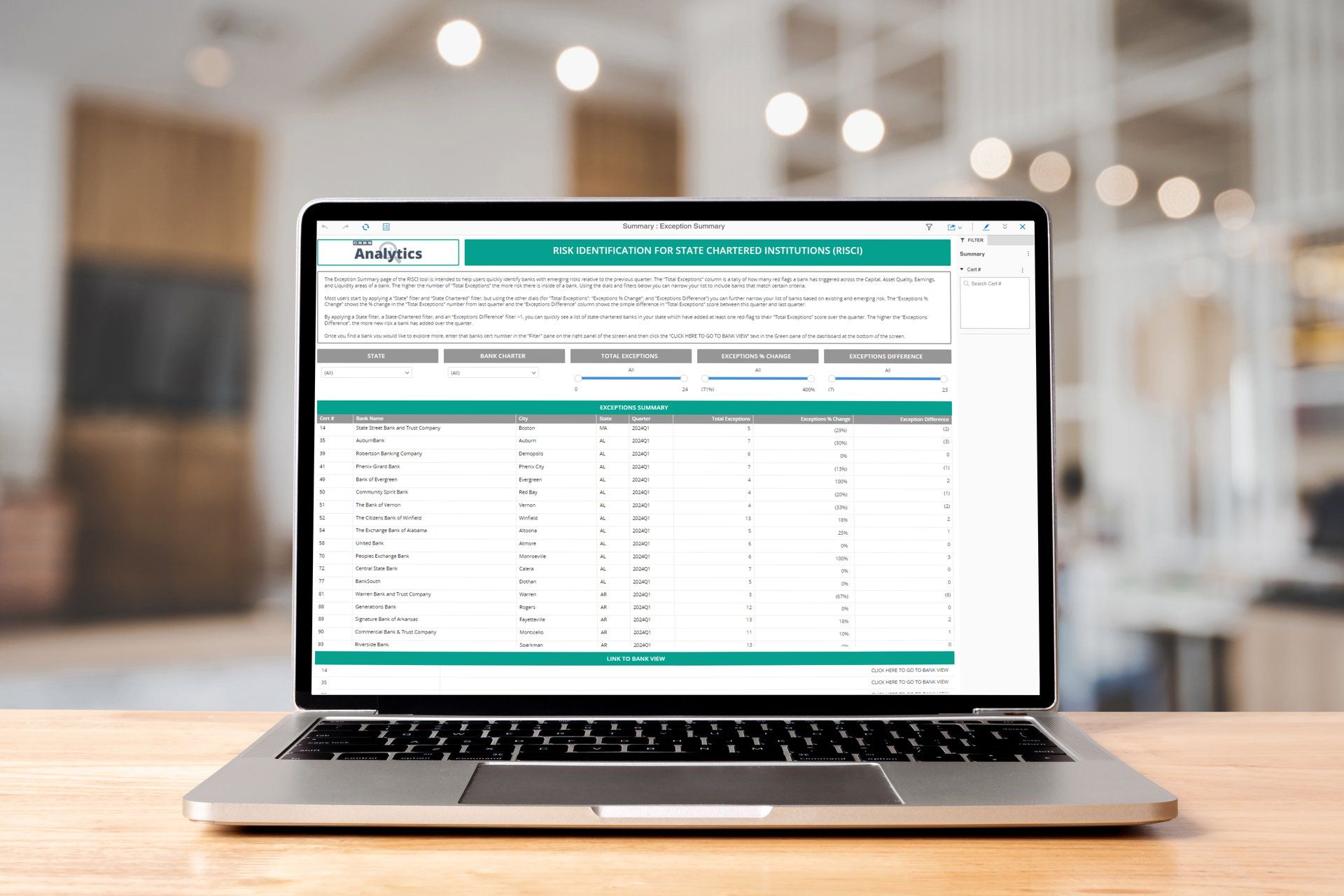
Risk Identification for State-Chartered Institutions
Risk Identification for State-Chartered Institutions, or RISCI, provides a score to measure risk and allows users to focus on the most important ratios for their supervised depository institutions. By using RISCI, anyone involved in the examination or off-site surveillance process can see a list of banks with emerging risk in under three minutes.
This allows new examiners to quickly understand the risk profiles of supervised depository institutions before being expertly trained in bank financial analysis. RISCI shows every data point on a historical basis for time-series analysis, streamlining the monitoring and surveillance process by flagging banks whose risk scores have changed each quarter.
In addition to examiners, case managers, off-site surveillance personnel and other state agency staff use RISCI outside of the routine exam process to monitor bank performance between exam cycles and conduct both state and portfolio-level analysis.
Helpful Resources
We provide a Cheat Sheet for the RISCI tool which offers useful insight about the three main pages you'll see when navigating the report. The first of which is the home screen which provides a summary of exceptions. The home screen allows the user to filter the data to their need and easily navigate the tool. Next, the document will cover the Data Chapter which provides a high level summary of each CAEL component, the ratios, exceptions, and provides additional filters. The last section covered is that of the ratios. The ratio page provides the user with a chart of the ratio along with the numerator and denominator plotted separately which is useful when identifying change.
If you are just starting out with the RISCI tool, we suggest watching this short tutorial video to help you along. This video is an introduction to the RISCI tool and covers key concepts, navigation, and different functionality to better tune your analysis.
In this second tutorial video we go over setting up your own thresholds. The threshold excel document needed for this step can be found here.